

Playing word search online for free takes about two minutes to start and costs nothing. You need a device with internet access, a browser, and a few clicks to unlock hundreds of puzzles across sites like, Brainzilla, Canva, and . These platforms let kids hunt for hidden words on any screen, whether you’re at home on a rainy afternoon or a teacher looking for a quick classroom brain break. No downloads, no credit cards, no waiting.
Why does free matter so much? Because learning shouldn’t have a price tag, and word searches pack serious cognitive punch. Every puzzle strengthens spelling, expands vocabulary, sharpens focus, and trains pattern recognition. Kids who play regularly become better readers and more patient problem solvers. Parents and educators get a tool that’s both educational and genuinely fun, something children will choose over mindless screen time.
The best part? Free online word searches work on phones, tablets, laptops, and classroom computers. prints cleanly on standard 8.5″ x 11″ paper for offline play, while apps like Word Search Puzzles on the App Store run in offline mode once downloaded. Whether your child is five and learning sight words or twelve and tackling advanced vocabulary, there’s a free puzzle waiting right now.
What You Need to Get Started
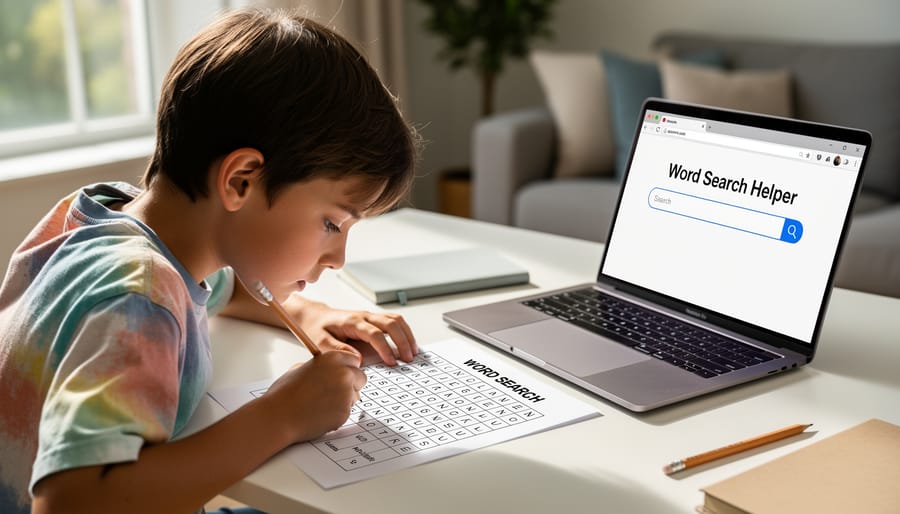
Good news! You don’t need fancy equipment or special tools to play word search puzzles online. The requirements are simple, and you probably already have everything you need right at home.
Here’s what you’ll use:
- A device with internet access: computer, laptop, tablet, or smartphone
- A web browser like Chrome, Safari, Firefox, or Edge
- A printer (optional) if you want to print puzzles on paper
- A free app (optional) for playing on iPhone or iPad
Any modern device works perfectly for online word searches. Websites like open their puzzles in a new browser window, so you can play the online game right in your browser without downloading anything. If you prefer mobile gaming, free apps from the App Store let you play on iPhone and iPad, both online and in offline mode when you don’t have internet.
Want to work on paper instead? You’ll need a printer. Most free puzzle sites let you print on standard 8.5 by 11 inch paper, the same size as regular notebook paper. Teachers can even print puzzles in quantity for classroom use.
The best part? You don’t need to buy special software, create accounts, or pay for subscriptions. Just pick your device, open a browser, and you’re ready to start searching for words.
Important Things to Know Before You Start
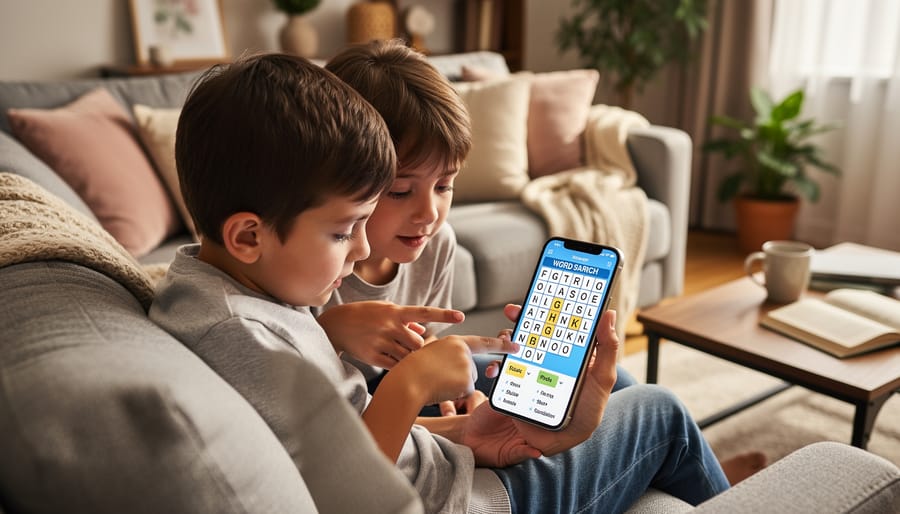
Before you start solving word search puzzles online, talk with a parent or teacher first. They can help you find safe puzzle websites and make sure you’re allowed to use them.
Some free puzzle websites show advertisements on their pages. These ads help keep the puzzles free for everyone to use. If you see ads while playing, just focus on the puzzle area and ignore the pictures around the edges.
You’ll need to decide whether you want to play directly on your screen or print your puzzle on paper. Playing online works great when you’re using a tablet or computer and don’t want to waste paper. Printing works better if you prefer using a pencil to circle words, or if you want to solve puzzles when you don’t have internet access. Sites like let you print puzzles on regular 8.5″ x 11″ paper, and some mobile apps even let you switch between online and offline modes.
Most free word search websites don’t save your progress automatically. If you close your browser before finishing, you might need to start that puzzle over again. Some apps on phones and tablets do save your spot, which is helpful if you want to take a break and come back later.
Teachers can print puzzles from sites like for classroom use since they’re free for personal use. If your teacher wants to make custom puzzles with vocabulary words, free makers like and Canva make that easy without any special accounts.
How to Find and Play Free Online Word Searches
Step 1: Open a Word Search Website
Getting started is super easy! First, ask a parent if it’s okay to use the computer, tablet, or phone. Then open any internet browser (like Chrome, Safari, or Firefox) and type in one of these free word search websites:
has lots of free word search puzzles that open in a new browser window. Just click on any puzzle and it pops up ready to play or print.
lets you play custom word search puzzles right on the screen or print them out. You can even make your own puzzles with your favorite words.
Brainzilla offers daily word search games plus special themed puzzles you can play anytime.
You don’t need to download anything or sign up for an account. Just type the website name in your browser’s address bar at the top, press Enter, and you’ll see the puzzles waiting for you. Pick whichever site looks fun and you’re ready for the next step!
Step 2: Pick Your Puzzle or Make Your Own
Once you’ve opened a word search website, you’ll see lots of exciting options. Many sites offer a daily puzzle that changes every day, perfect if you like a fresh challenge each time you play. You can also browse themed puzzles about topics you love, like animals, sports, holidays, or your favorite school subjects. This makes word searches extra fun because you’re learning new words while you search.
If you want to create your own puzzle with special words, try a free maker like Canva or . These tools let you type in your own word list, maybe your spelling words, friends’ names, or vocabulary from a book you’re reading. Within minutes, the maker generates a brand new puzzle just for you. You can play it online right away or print it to share with friends and family. Creating your own puzzle is a fantastic way to practice words you’re learning in school or to make a fun game for a birthday party or classroom activity.
Step 3: Choose to Play Online or Print
Now you get to choose how to enjoy your puzzle! Most free word search websites let you play two ways: right on the screen or printed on paper. If you’re using a computer or tablet, you can click on words directly in your browser window, no download needed. When you find a word, just click the first letter and drag to the last letter to highlight it. It’s quick and fun!
Want to use a pencil instead? Click the print button and the puzzle will print on regular 8.5″ x 11″ paper, the same size as notebook paper. You can then circle words the old-fashioned way. This is perfect if you’re doing puzzles with friends or taking them on a car trip.
If you’re using a phone or tablet app like Word Search Puzzles, you get the best of both worlds. These apps work online when you have internet, but you can also play in offline mode when you don’t, like on an airplane or at grandma’s house without WiFi. Pick whichever way feels most comfortable for you and start hunting for words!
Step 4: Start Finding the Hidden Words
Now comes the fun part! Once your puzzle loads, it’s time to hunt for hidden words. Start by reading the word list carefully so you know what you’re looking for. Words can hide in any direction, up, down, left, right, or diagonally. They can even be spelled backwards, so don’t forget to check words from right to left or bottom to top.
If you’re playing on a screen, use your finger or mouse to trace each word as you spot it. Many online puzzles at sites like and Brainzilla let you click the first letter, then drag to the last letter to highlight the word. On printed puzzles, grab a pencil or highlighter and circle each word you find. Some kids like using different colored pencils for different words.
Try scanning one direction at a time instead of jumping around randomly. Look at the first letter of each word on your list, then search the puzzle grid for that letter. When you find it, check all directions from that spot to see if the rest of the word follows.
Step 5: Mark Each Word You Discover
When you spot a word hiding in the puzzle, it’s time to mark it so you don’t lose track! If you’re playing online at sites like or Brainzilla, simply click or tap the first letter, then drag your finger or mouse to the last letter of the word. The puzzle will highlight the word for you automatically. On printed puzzles, grab a pencil, crayon, or highlighter and circle or draw a line through each word you find. Some kids like to use different colors for each word to make their puzzles extra colorful!
As you mark each word, cross it off your word list. This helps you see which words you still need to find and gives you a satisfying feeling of progress. If you’re playing on a phone or tablet using an app, it often checks off the words automatically when you find them. Keep going until every word on your list is marked and crossed off.
How to Know You’ve Finished Successfully
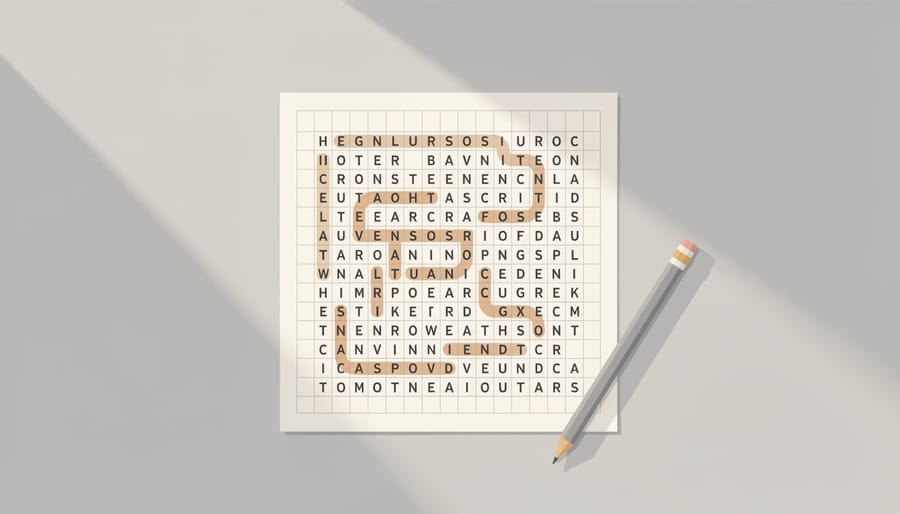
You’ll know you’ve successfully completed a word search when all the words from the list are found and checked off. Online puzzles from sites like and Brainzilla often display a congratulations message or change color when you’re done. If you’re playing on a printed puzzle from, you can confirm completion by carefully reviewing your word list and making sure each word has been circled or highlighted.
Here are the main signs you’ve finished:
- All words on your list are checked off or marked
- A congratulations message or completion screen appears (for online puzzles)
- No words remain uncrossed on your word list
- You’ve reviewed the puzzle grid carefully and can’t spot any missed words
If you’re stuck and can’t find the last word or two, don’t worry. Try taking a short break and coming back with fresh eyes. Sometimes stepping away helps you spot words you missed. You can also ask a friend or parent to take a quick look, or use puzzle solver tools if you’re really stumped.
Once you’ve finished, celebrate your success. You can move on to harder puzzles with more words, try themed puzzles about topics you love, or use Canva’s free word search maker to create your own custom puzzle with words you choose. Each puzzle you complete builds your pattern recognition skills and makes the next one easier to solve.
Quick Tips for Word Search Success
Want to get faster at finding those tricky hidden words? These simple tricks will help you spot words quicker and have more fun with every puzzle you solve.
Start by looking for words with uncommon letters. If your word list includes “quiz” or “fuzzy,” scan the whole grid for Q or Z first. These rare letters jump out and lead you straight to the word. Once you find one word, nearby words often share letters, so check that area carefully.
Scan the puzzle in an organized way instead of jumping around randomly. Try reading across each row from left to right, then check vertically down each column. Don’t forget that words hide in all directions, forwards, backwards, up, down, and diagonal. Running your finger along the grid helps your eyes follow each line smoothly.
Take short breaks if you feel stuck. Walking away for a minute and coming back gives your brain a fresh start. Many kids find the last few words faster after a quick break.
Pick themed puzzles about topics you enjoy, animals, space, sports, or holidays. You’ll learn new words while having fun, and familiar topics make word hunting easier because you already know what to expect.
Common Questions About Free Online Word Searches
Yes, you can play word search puzzles directly in your browser without downloading anything, sites like and Brainzilla let you start solving puzzles immediately in a new window. Teachers are welcome to print puzzles in quantity for classroom use, and these resources work alongside other types of educational games for learning. Most free puzzle sites don’t require account creation, though some makers like Canva may ask you to sign up to save custom puzzles.
Can I play on my iPad or phone?
Yes! Word search apps are available on iPhone and iPad through the App Store, and many websites work in mobile browsers. You can play online or switch to offline mode in most apps.
Are these really free?
The puzzle sources mentioned,, Brainzilla, and Canva’s maker, are free for personal use. Teachers can print classroom copies without cost.
Do I need to create an account?
Most sites let you play immediately without signing up. Custom puzzle makers may require a free account to save your designs.
These one-player games give kids independent practice anytime, and you can print puzzles on standard 8.5″ x 11″ paper when you want a screen-free option.
