
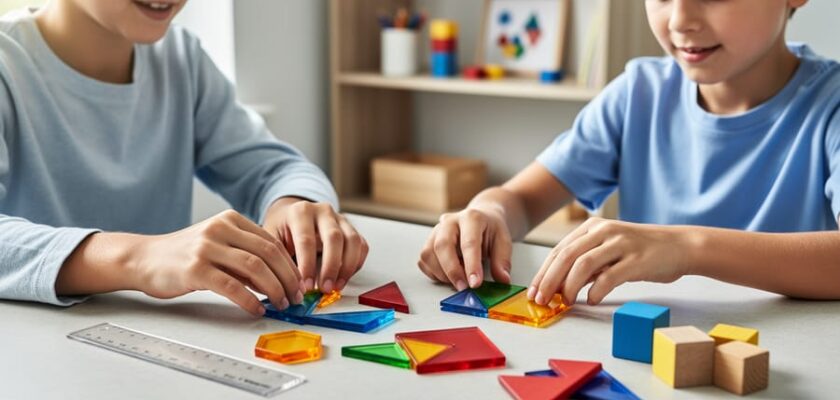
Teaching geometry at home doesn’t require an advanced degree in mathematics or a closet full of expensive tools. The best approach combines three core elements: a solid curriculum (whether print or digital), hands-on manipulatives like pattern blocks and tangrams, and everyday objects your kids can measure, build with, and transform. Together, these resources make math click by turning abstract concepts like angles, symmetry, and area into tangible discoveries.
Most parents worry they’ll choose the wrong workbook or waste money on fancy geometry kits that collect dust. The good news? Your 2026 homeschool geometry setup can be surprisingly simple and budget-friendly. A $15 set of transparent shape tiles often teaches more than a $200 software subscription, especially for younger learners who need to touch, rotate, and stack shapes to truly understand them.
The challenge isn’t finding resources. It’s knowing which tools match your child’s age and learning style, and which “must-have” products you can skip entirely. A second-grader exploring basic shapes needs different materials than a sixth-grader proving the Pythagorean theorem. This guide walks you through the key factors that matter most when choosing geometry tools, compares the main types available today, recommends specific options by grade level, and highlights the purchasing mistakes that trip up even experienced homeschooling families. You’ll finish with a clear shopping list and the confidence to teach geometry concepts that stick.
What Makes Geometry Different in Homeschooling
Geometry stands apart from other math subjects in homeschooling because it demands a completely different kind of thinking. While arithmetic follows linear steps, geometry asks kids to visualize shapes rotating in space, understand how angles relate to each other, and see patterns in three dimensions. Many children who struggle with traditional math suddenly light up with geometry because it taps into visual-spatial intelligence rather than just numerical reasoning.
This visual nature means geometry needs physical tools more than any other math strand. Your child can’t truly grasp what a polyhedron is by reading a definition or watching a video alone. They need to hold it, turn it around, and count its faces. Research consistently shows that manipulatives for geometry significantly improve spatial reasoning and conceptual understanding, especially in the elementary years.
Here’s where homeschooling creates both a challenge and an opportunity. Many parents feel less confident teaching geometry than arithmetic because they themselves learned it through memorizing formulas rather than building understanding. You might remember dreading proofs or feeling confused about transformations. That anxiety can make you hesitant to invest in the right tools.
But homeschooling also gives you an enormous advantage. You’re not constrained by a classroom’s limited manipulative budget or a rigid 45-minute period. You can let your child spend an entire afternoon building with pattern blocks if they’re engaged. You can pause mid-lesson to construct paper models, take geometry walks around the neighborhood, or revisit a tricky concept with a different tool next week. Traditional classrooms rarely offer this flexibility, and geometry thrives on it.
Key Buying Factors for Homeschooling Geometry Tools
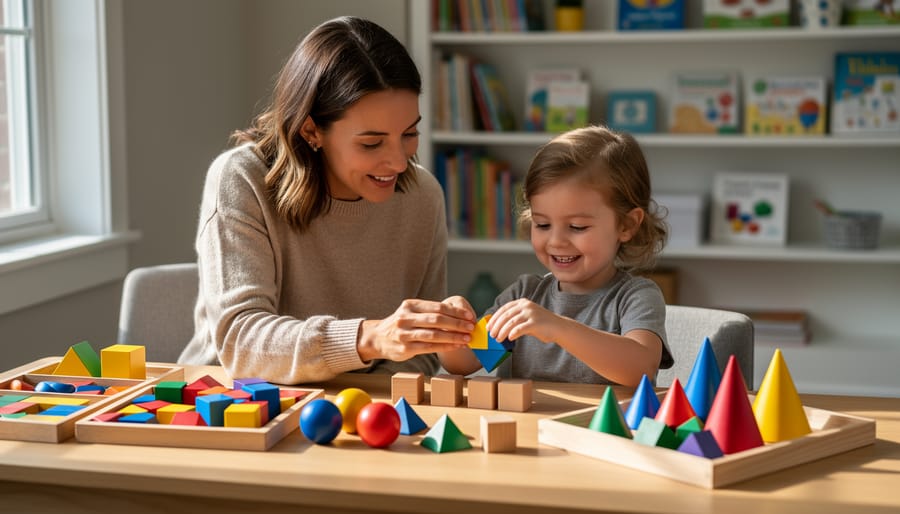
Before you buy a single geometry tool, step back and ask: does this match how your child actually learns? Too many parents grab the highest-rated resource online, only to watch it collect dust because it doesn’t fit their kid’s brain. The right tool meets your child where they are and makes geometry click, not just fill a shelf.
Match Your Child’s Actual Learning Needs
Start by honestly assessing your child’s strengths and struggles. Does she need to touch and build to understand shapes? Does he light up when he can drag virtual objects around a screen? While research shows that rigid learning styles lack benefit as distinct categories, it’s undeniable that some kids grasp concepts faster with physical manipulatives while others thrive with interactive software. The sweet spot for most homeschoolers is hands-on plus digital giving your child multiple ways to explore the same concept. A geoboard and a geometry app can teach angles from two angles, cementing understanding better than either alone.
Evaluate These Six Factors Before Buying
- Grade-level fit: Tools should match your child’s current understanding, not their age on paper, an advanced 7-year-old may need upper elementary resources while a struggling 10-year-old benefits from foundational manipulatives.
- Parent learning curve: Can you figure it out in 10 minutes, or does it require you to relearn geometry yourself? Be honest about your bandwidth.
- Real budget, not aspirational budget: Factor in consumables like workbook refills, app subscriptions, or replacement pieces, the $30 kit that needs $15 refills every semester isn’t actually cheaper than the $60 one-time purchase.
- Curriculum compatibility: Does this supplement your existing math program smoothly, or will you constantly translate between different terminology and approaches?
- Storage and setup time: Physical tools that take 15 minutes to set up and clean up every lesson will get skipped, choose what you’ll actually use three times a week.
- Growth potential: Can your child use this tool for multiple years as concepts deepen, or will you need to replace it in six months?
The goal isn’t finding the perfect tool that does everything. It’s choosing resources that provide strong learning style support while being realistic about your family’s rhythms, budget, and teaching comfort level. Start with one solid choice in each category rather than five mediocre ones.
Types of Geometry Tools Compared
Physical Manipulatives and Building Tools
Physical manipulatives turn abstract geometry concepts into something kids can touch, rotate, and build with, making them essential for homeschooling geometry, especially with younger learners who need to see shapes in three dimensions before they can reason about them on paper.
Pattern blocks are your starter kit. These colorful tiles let children explore symmetry, tessellations, and fractional relationships through play. Look for sets with at least 250 pieces and a sturdy storage container, cheap sets have thin blocks that don’t lie flat. Geometric solids (cubes, spheres, cones, pyramids) bridge the gap between 2D and 3D thinking. Transparent versions work best because kids can see inside to count faces and edges.
Geoboards, those pegboards with rubber bands, excel at teaching area, perimeter, and coordinate concepts hands-on. Choose double-sided boards (5×5 on one side, circular on the other) for versatility. Tangrams develop spatial reasoning and problem-solving; wooden sets outlast cardboard.
Construction kits like magnetic tiles or snap-together frameworks let kids engineer their own geometric discoveries. Magna-Tiles dominate here, but generic brands work fine if magnets are strong. The best manipulatives grow with your child: pattern blocks that start as shape sorters become tessellation challenges by third grade.
Digital Tools and Interactive Apps
Digital geometry tools bring abstract concepts to life through animation, instant feedback, and interactive exploration that physical tools can’t match. Programs like GeoGebra let kids drag points to see how shapes transform in real time, making theorems about angles and symmetry suddenly obvious. Coding-based platforms such as Scratch or Tynker teach geometric principles through creative projects, drawing polygons with code builds deeper understanding than tracing them on paper. Virtual manipulatives replicate pattern blocks and tangrams on-screen, perfect for quick practice without cleanup. Gamified apps turn geometry into quests and challenges, boosting motivation for reluctant learners.
The biggest benefit is flexibility: kids can repeat experiments endlessly, zoom in for precision, and undo mistakes without frustration. Many online homeschool math tools also track progress automatically, saving parents time on record-keeping. The limitation? Screen fatigue is real, and some children need to touch and manipulate objects physically before digital exploration clicks. Apps can also become crutches, kids might master the game without truly grasping the underlying geometry. Balance is essential: use digital tools for visualization and engagement, but pair them with hands-on work to cement spatial reasoning.
Complete Curriculum Programs
Complete curriculum programs promise a done-for-you geometry experience, but homeschoolers rarely need everything these packages offer. Full curricula like Teaching Textbooks, Math-U-See, or Khan Academy’s geometry course provide structured lesson plans, video instruction, and practice problems organized across an entire school year. They shine when you want consistency and minimal prep time, especially if you’re juggling multiple children or subjects.
The trade-off? These programs often move at a fixed pace your child might outgrow or struggle to keep up with, and they typically cost $50, $200 per year. Most include geometry as one strand within a broader math curriculum rather than as a standalone focus, which means you’re paying for content beyond just spatial reasoning and shapes.
Supplemental resources, a quality geoboard here, a geometry app there, let you build a custom toolkit around your child’s specific needs and your existing math program. This approach costs less upfront and adapts as you discover what clicks, but it requires more planning on your part.
The sweet spot for most homeschooling geometry situations? Choose one solid foundation (whether that’s a curriculum or a core manipulative set) and layer in 2-3 targeted supplements to fill gaps or add excitement. You don’t need everything; you need what works for your learner right now.
Top Recommendations by Learning Stage
Best for Early Learners (Ages 5-8)
At this stage, young children need tools that turn geometry into play. Pattern blocks are the MVP here, colorful wooden or plastic shapes (triangles, squares, hexagons) that kids can arrange into patterns, animals, or designs while absorbing how shapes fit together. Look for sets with at least 250 pieces and a storage tray.
Tangrams work beautifully for ages 6 and up, teaching shape decomposition through puzzles that feel like games. Pair them with a picture book that shows what to build. Geoboards with rubber bands let kids create shapes and explore perimeter by stretching bands around pegs, the tactile feedback cements the learning.
For digital learners, apps like “Endless Shapes” or “DragonBox Elements” introduce geometry vocabulary and spatial reasoning through story-based play. Keep screen time under 15 minutes per session at this age.
A surprise winner: wooden building blocks (plain cubes and rectangular prisms). When a five-year-old stacks blocks into towers or bridges, they’re experimenting with 3D shapes, balance, and spatial relationships without realizing they’re doing geometry. The best early tools don’t look like math lessons, they look like toys your child will grab during free play.
Best for Upper Elementary (Ages 8-11)
Upper elementary geometers are ready to move beyond “this is a square” into the fascinating world of measurement and relationships. They can handle abstract ideas, like “area equals length times width”, but still need concrete proof before they believe it. The sweet spot at this stage combines hands-on exploration with structured practice.
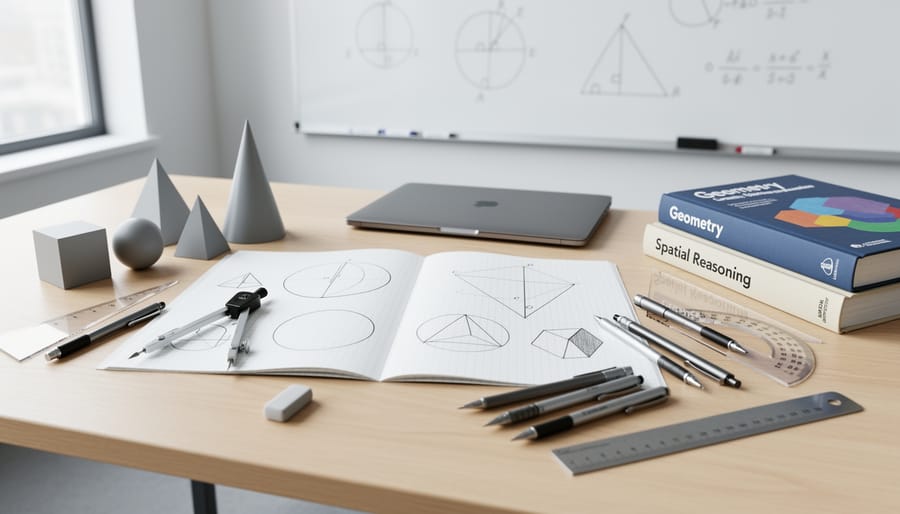
Start with a quality protractor and compass set. Kids this age can learn proper measurement techniques, and drawing their own angles and circles makes concepts stick in ways worksheets never will. Pair these with grid paper or coordinate plane boards for plotting points and exploring transformations, flips, slides, and turns become real when you physically move shapes around.
For area and perimeter, fraction tiles or algebra tiles work beautifully. Your child can physically build rectangles, calculate the space inside, then compare to the distance around the edge. This hands-on approach prevents the common mix-up between area and perimeter formulas.
Digital tools like GeoGebra’s free geometry module let kids manipulate shapes dynamically, change one angle and watch what happens to the others. It’s powerful for developing geometric intuition. Math learning games such as DragonBox Elements gamify proofs and logical reasoning without feeling like work.
Consider a curriculum like Math Mammoth Geometry or Beast Academy that balances problem-solving with discovery. These programs teach the formulas while showing *why* they work, building genuine understanding rather than memorization.
Best for Middle School (Ages 11-14)
Middle schoolers need geometry resources that challenge them to think like mathematicians, not just follow formulas. At this stage, you’re introducing formal proofs, coordinate geometry, and transformations, so look for tools that encourage logical reasoning and visual experimentation simultaneously.
GeoGebra (free online) becomes essential now. It lets students construct proofs dynamically, test conjectures about transformations, and explore coordinate geometry interactively. Pair it with Art of Problem Solving’s Introduction to Geometry textbook if your child thrives on challenge, the problems require real thinking, not just plug-and-chug calculations, and the online community provides peer discussion that mimics classroom collaboration.
For hands-on reinforcement, Zometool construction sets help students physically build 3D shapes and understand symmetry, polyhedra, and spatial relationships in ways that flat diagrams can’t convey. The tactile element still matters, even at this age.
Khan Academy’s geometry course works well for students who need more scaffolding or want to move at their own pace. The instant feedback and mastery-based progression build confidence with proofs and theorems.
The real shift here is fostering independence. Choose resources where your teen can explore, make mistakes, and discover patterns without constant parental intervention. At this level, your role becomes more guide than teacher, the tools should do the heavy lifting of instruction while you provide encouragement and ask probing questions.
Common Mistakes to Avoid When Buying Geometry Tools
The biggest trap? Grabbing a fancy geometry set because it looks comprehensive, only to discover your eight-year-old isn’t ready for protractors and compasses. Many parents buy tools designed for older students, thinking their child will “grow into them.” That creates frustration on both sides, the child feels discouraged, and you’ve spent money on materials that’ll sit unused for two years. Start where your child actually is, not where you think they should be.
Hands-on learning matters more in geometry than almost any other math topic, yet parents often default to workbook-heavy approaches because they feel familiar and structured. Pattern blocks, building sets, and tangrams aren’t “just for little kids”, they’re how geometric concepts become real and memorable. A stack of worksheets might make you feel productive, but if your child can’t visualize what they’re calculating, you’re building on sand.
Don’t forget about your own learning curve. That advanced geometry curriculum with sophisticated lesson plans won’t help if you can’t figure out how to teach it. There’s no shame in choosing resources with strong parent guides or video support, you’re learning alongside your child, and that’s actually a strength of homeschooling.
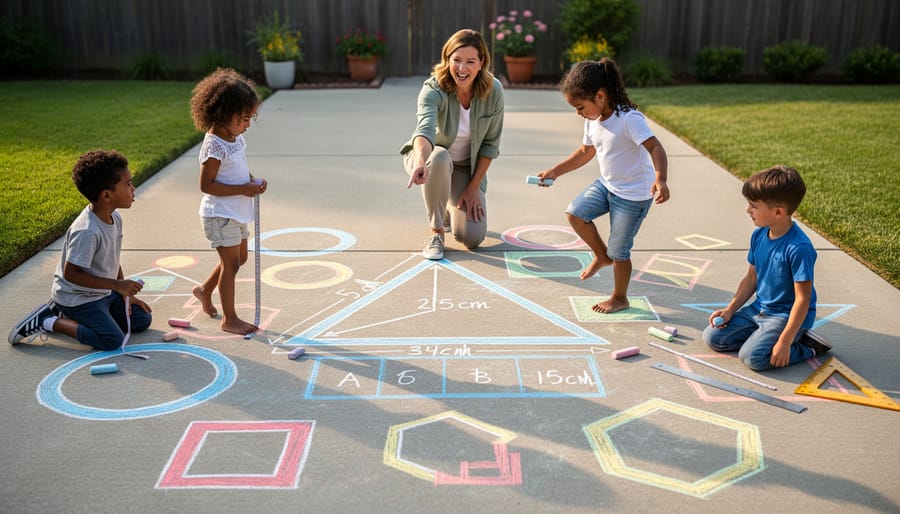
The missed opportunity that hurts most? Forgetting to connect geometry to the real world your child sees every day. If you’re only working through problems on paper, you’re leaving out architecture, art, nature, cooking, and construction, all the places where geometry actually lives. The best homeschooling geometry experiences happen when kids recognize angles in a staircase or symmetry in a butterfly, not just when they’re sitting at the kitchen table with a textbook.
Finally, resist buying everything at once. One quality manipulative set plus a good digital tool beats a closet full of half-used resources. You can always add more as you discover what clicks with your particular child.
Frequently Asked Questions
How much should I budget for homeschooling geometry tools?
You can start effectively with $30-50 for basic manipulatives like pattern blocks and a geoboard, though comprehensive curriculum programs range from $50-150 annually. Most families find the sweet spot around $75-100 total, combining a few quality physical tools with one free or low-cost digital resource.
Can I combine different geometry tools, or should I stick with one approach?
Combining tools is actually ideal, most children benefit from experiencing geometry through multiple channels. Pair hands-on manipulatives with digital practice, or use a structured curriculum alongside real-world building projects to reinforce concepts from different angles.
How do I know when it’s time to switch to a different geometry approach?
If your child shows consistent frustration after three or four lessons, loses interest quickly, or can’t grasp concepts after multiple explanations, that’s your signal to try a different method. Switch from abstract to concrete (or vice versa) rather than pushing harder with the same struggling approach.
My child has math anxiety, will geometry make it worse?
Geometry often helps ease math anxiety because it’s visual and creative rather than purely numerical. Start with playful building activities and art-based exploration before introducing formal terminology, and let your child discover patterns naturally through hands-on play.
How can I measure my child’s geometry progress without traditional tests?
Watch for applied understanding, can they spot shapes in architecture, estimate angles while playing, or explain why a design won’t work? Portfolio approaches work well: photograph their block creations, save drawing projects, and have them verbally explain their geometric thinking during everyday activities.
Do I need to understand geometry myself to teach it at home?
Not entirely, though some basic familiarity helps. Many modern geometry resources include parent guides that teach you alongside your child, and video-based programs can handle the direct instruction while you facilitate hands-on practice and real-world connections.
Remember that geometry learning looks different for every child. Some will grasp spatial concepts instantly with blocks, while others need screen-based visualization or step-by-step drawing exercises. The flexibility to adjust your approach mid-year is one of homeschooling’s greatest advantages, you’re not locked into a single method or pacing schedule. Trust your observations of what clicks for your particular learner, and don’t hesitate to blend free resources with purchased tools until you find the combination that makes geometry feel accessible and even enjoyable in your home.
Finding the right homeschooling geometry tools isn’t about buying everything on the market, it’s about choosing what actually works for your child. Start with one or two quality resources that match how your learner thinks and explores. A hands-on builder might thrive with pattern blocks and tangrams, while a tech-savvy kid could light up with interactive apps. Trust your instincts about what will keep them engaged.
Geometry doesn’t have to be the scary part of homeschool math. With the right tools, it becomes one of the most creative and satisfying subjects you’ll teach. Your child can build, draw, puzzle-solve, and discover patterns in ways that make spatial reasoning click naturally. The best part? You get to watch those lightbulb moments happen right at your kitchen table.
Start simple, adjust as you go, and remember that even professional educators experiment to find what works. You’re not looking for perfection, you’re building a geometry experience that fits your family. That flexibility and personalization is what makes homeschooling geometry genuinely exciting, and it’s an advantage traditional classrooms simply can’t match.

